Lume Intelligence
Lume Intelligence is an optional AI assistant. It is off until you set it up, and everything else in Lume works without it.
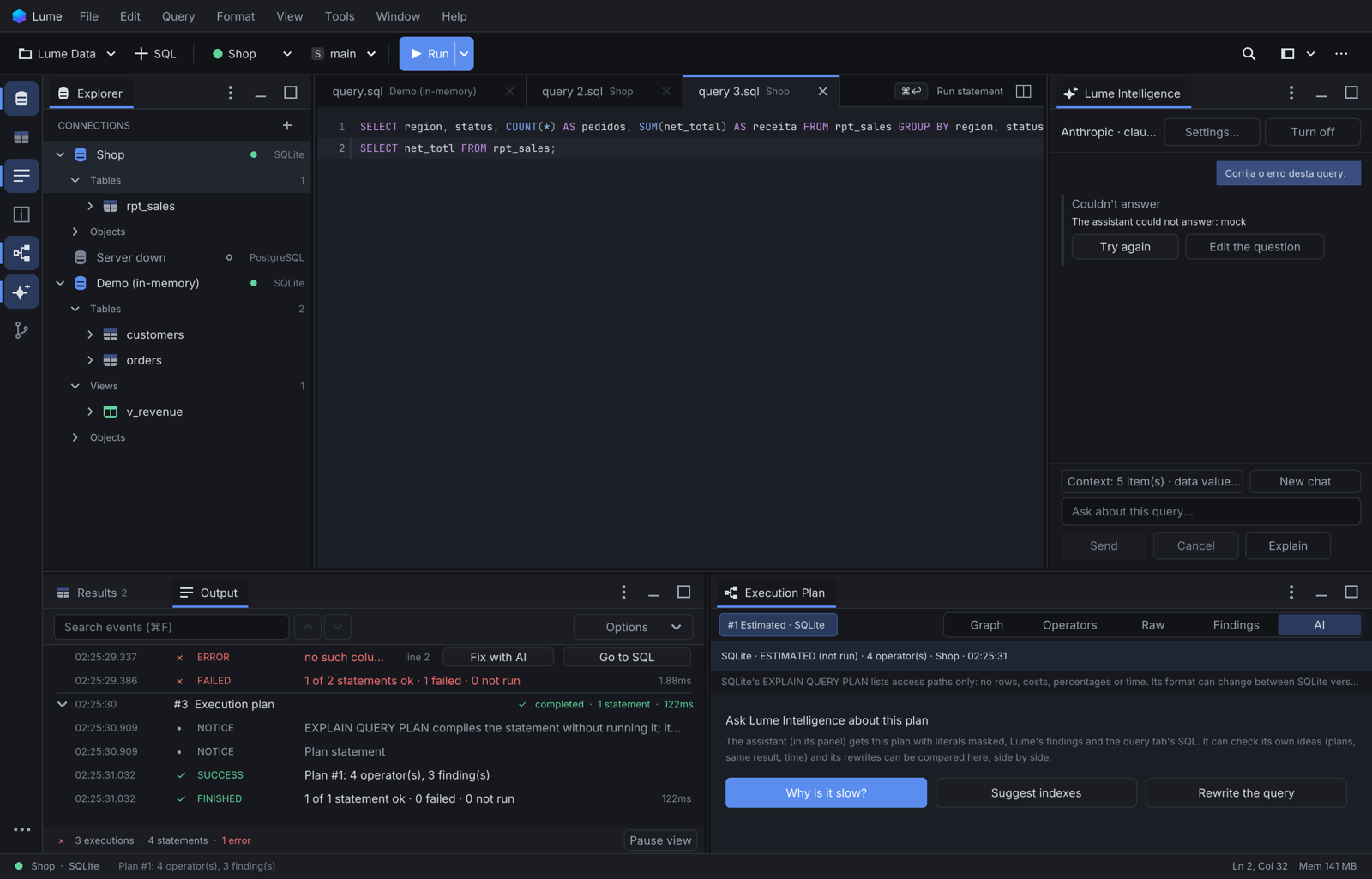
What it can do
| Where | What |
|---|---|
| Query tabs | write, fix, explain and rewrite SQL in your database's dialect (Cmd+K); Fix with AI on a failed statement; test data; summaries of a result |
| Execution plans | explain a plan, propose a rewrite or an index, and check its own hypothesis (estimated plans, hypothetical index, same-result check) |
| Table Designer and objects | design a table from a description, review a table, document a view or routine |
| Report Studio | draft a report from a question, change cards, add filters, restyle the page |
| ER diagrams | explain tables, suggest domain groups or a conceptual map |
| Source Control | suggest a commit message, review a staged change |
One panel, Lume Intelligence (Tools > Lume Intelligence, or Window > Show Panel > Lume Intelligence), docked on the right, answers about whatever tab is active: a query tab, a report, a plan.
The rules it always follows
- Nothing is sent before you see it. The panel shows the context of each request, and Show the exact payload shows the text itself.
- Structure only after consent. Table and column names, types and keys of a connection go to the model only after you allow it, per connection.
- Rows need a separate consent, which warns that sharing data is your decision and your risk.
- It proposes; you decide. Every change is a preview you approve or reject, and approving is one undo step. Lume never runs a write the AI wrote.
- Its SQL is checked. Queries the AI writes are checked against the read-only rules and test-run with no rows read (
WHERE 1=0) before you see them.
See What is sent for the details, and Set up to turn it on.